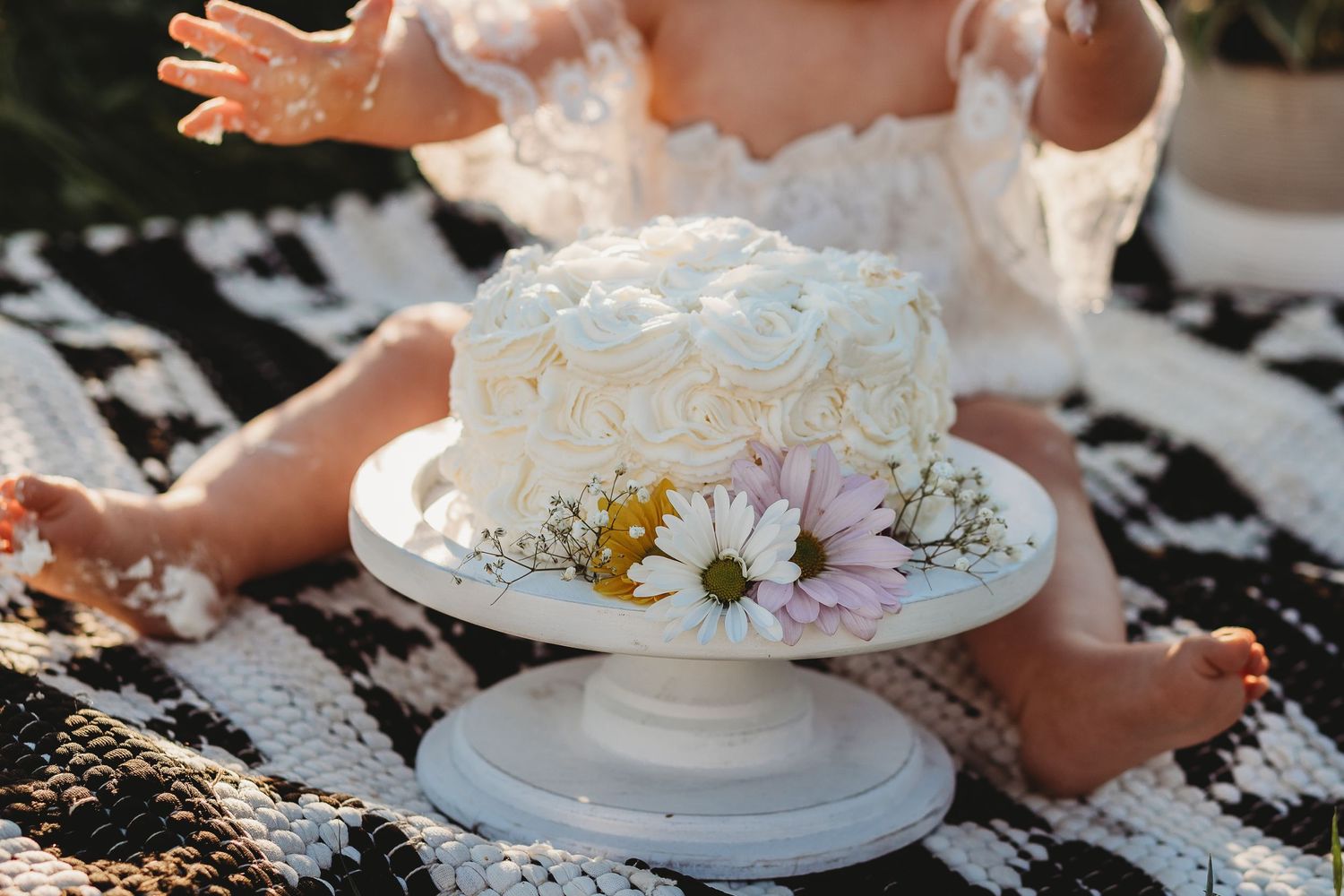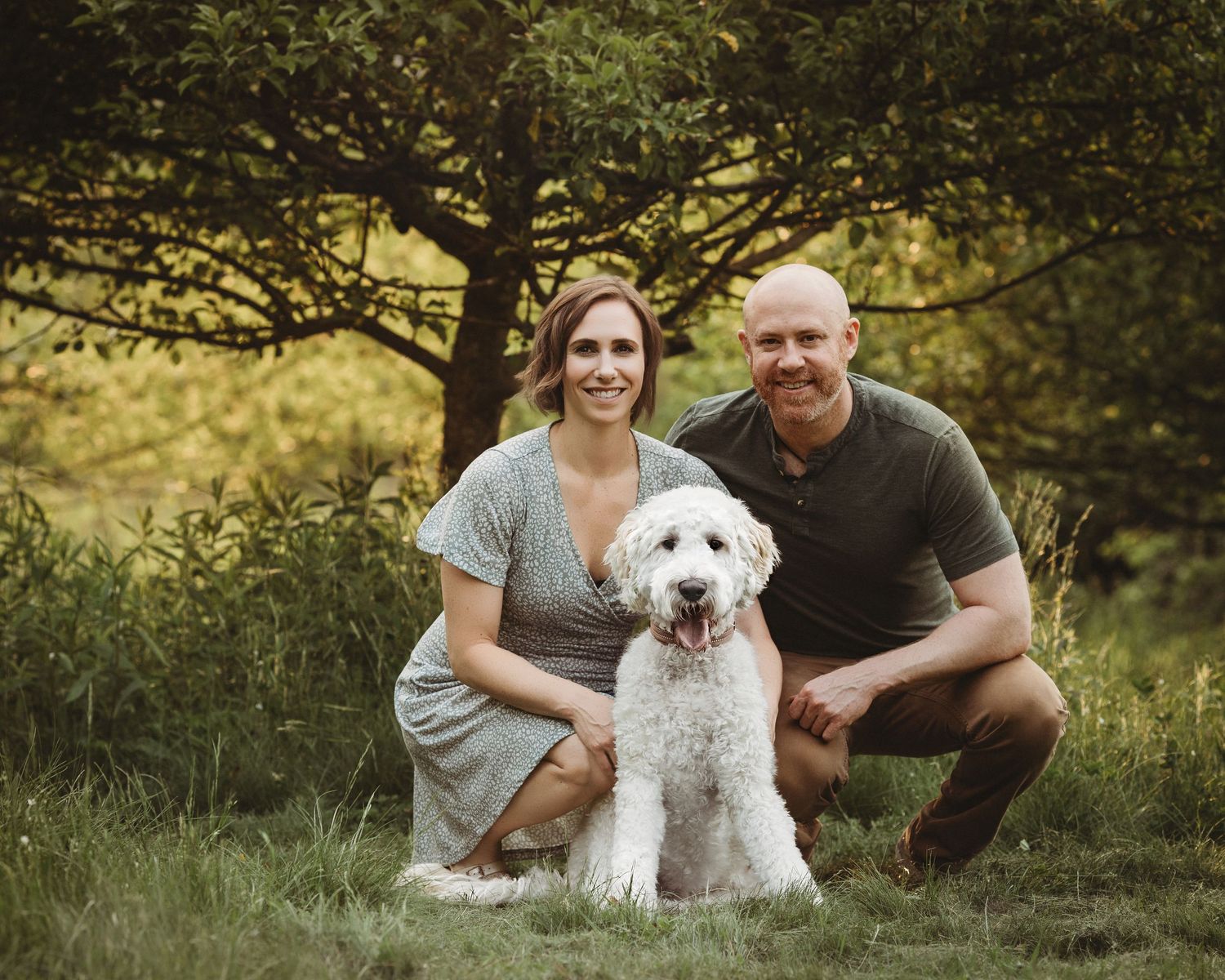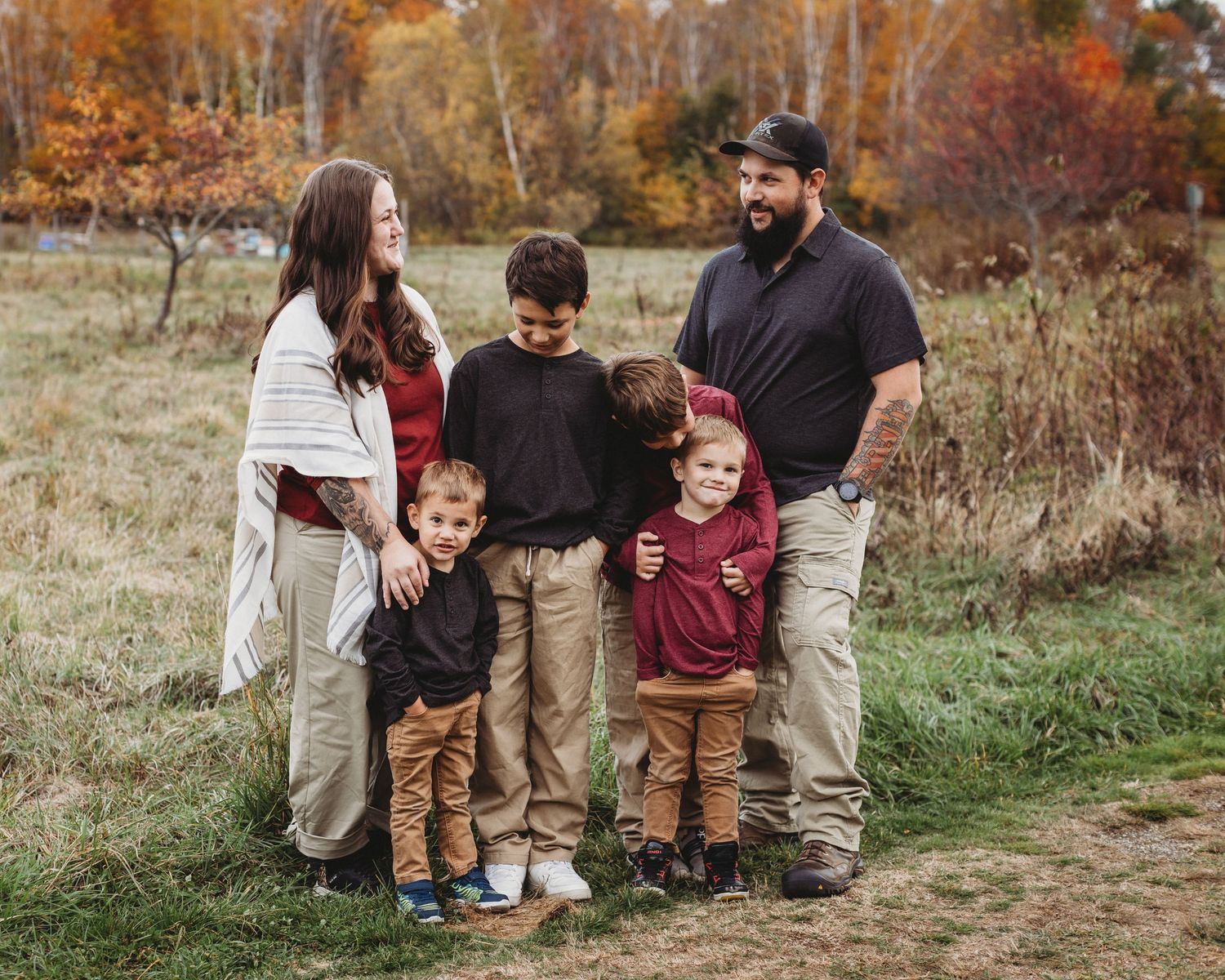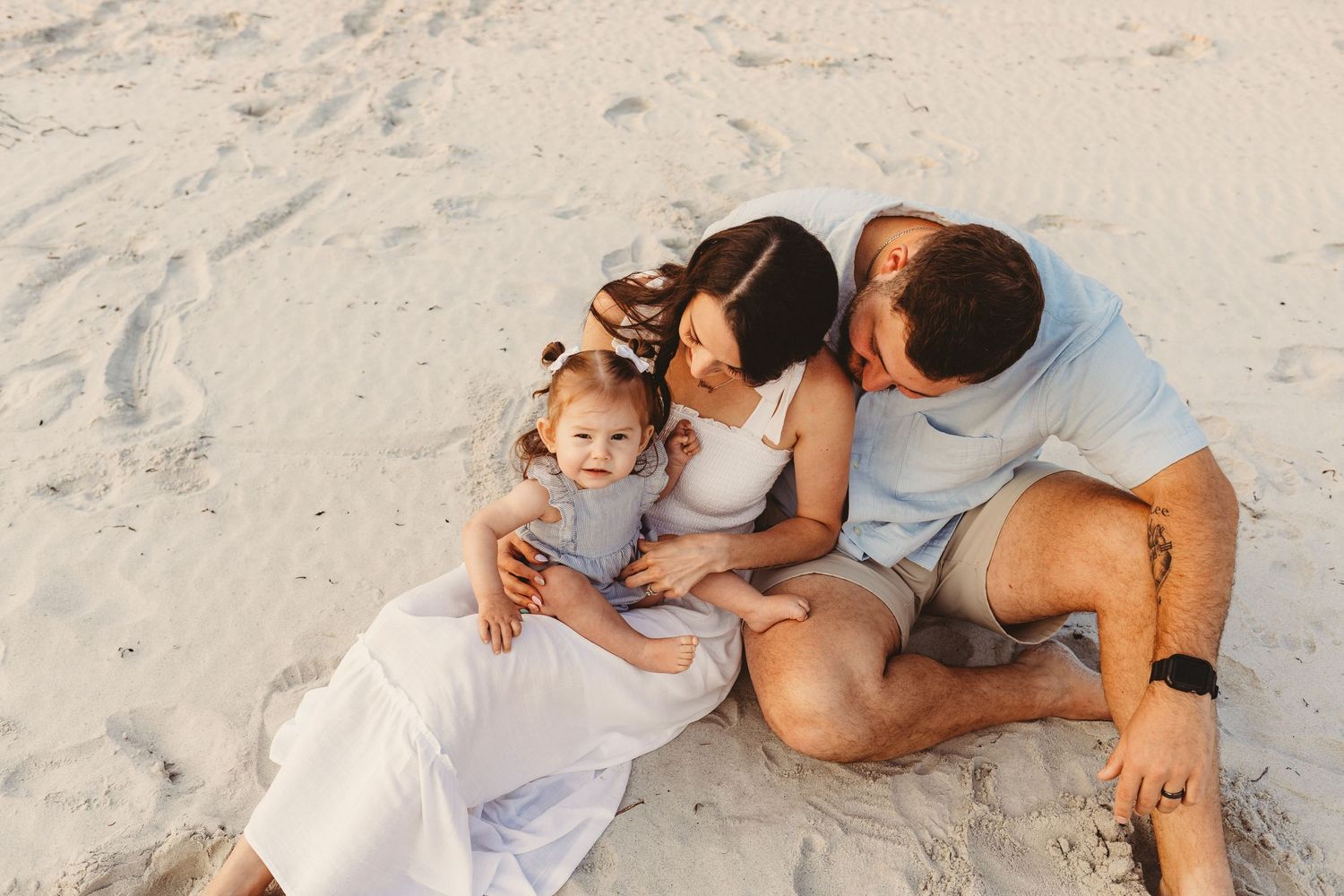
Hello! I’m Chelsea, the owner and photographer behind Gallagher Photography based right here in beautiful Maine.
Over the years, I’ve had the honor of helping families preserve their most cherished memories: weddings, engagements, family milestones, and everyday moments. Today, I want to share a guide that’s close to my heart: how to create a family photo album that not only stores your memories but brings you joy every time you flip through its pages.
A thoughtfully curated photo album becomes a storybook you and your loved ones revisit time and time again. I know that organizing stacks of digital and printed photos can feel overwhelming, so I’m here to walk you through it with my simple & practical approach. Let’s dive in and by the end, I hope you’re inspired to gather, organize, and display your family’s story in a beautiful, meaningful way.
Why a Physical Photo Album Still Matters
Before we get into the step-by-step process, let’s explore why a physical photo album holds a special place even in our digital world:
- Tangible Connection: Touching the pages, feeling the textures, and seeing images printed on archival-quality paper evokes an emotional response that no screen can replicate.
- Shared Experience: Albums bring family and friends together, sparking conversation and laughter as stories and memories flow freely.
- Legacy and Heirloom: Long after devices are obsolete, your album remains—handed down through generations, preserving your family’s history.
- Focused Appreciation: Unlike digital scrolling, a photo album encourages mindful viewing. Each page becomes a moment to notice the details the expressions, the colors, the love.
Tips To Get Started

1. Gather Every Memory Source
a. Digital Photos: Start by Collecting
- Phones & Tablets: These are usually bursting with candid, joyful moments.
- Cameras & Memory Cards: Weddings, portraits, and adventures often live here.
- Cloud Services & Social Media: Sites like Google Photos, iCloud, Facebook, or Instagram can hide gems.
Create a central “Photo Album Prep” folder on your computer or cloud service, and save everything in a neatly named structure: Year → Event → Friend/Family Member.
b. Physical Photos: Track Down Prints
- Dig into photo boxes, albums, and drawers.
- Ask relatives to share old prints they might have from gatherings, trips, or births.
- Label these with sticky notes or scan them soon so you’ll never lose them.
c. Bonus Content: Keepsakes to Include
- Ticket stubs, letters, notes, or drawings can transform an album into something deeply personal.
- Chat with relatives: a grandparent’s handwritten menu, a drawing from your child—these add incredible charm.

2. Sort and Curate with Care
a. Sort Chronologically (or Thematically)
- Chronological: If your goal is a linear family timeline.
- Thematic: “Beach days,” “Holiday gatherings,” “First birthdays.”
Select a system that feels meaningful and manageable to you.
b. Curate Thoughtfully
- Ask yourself: Does this photo add something meaningful?
- Avoid a “more is better” trap; albums feel more special when they’re intentional and well-paced.
- Choose a variety: wide shots, intimate close-ups, candid moments, posed scenes, and details.
c. Group by Mini Stories
Even within a single event (like a picnic), your photos can tell mini-stories: arrival, laughter, games, meals, slow moments. Grouping by these sub-themes keeps your narrative lively and engaging.

3. Choose Your Album Format
a. Traditional Photo Album
- High-quality, archival pages with photo-safe adhesives.
- Offers tactile pleasure and the ability to add journaling, ticket stubs, and flat mementos.
b. Printed Photo Book
- Websites like Shutterfly, Mixbook, and Blurb offer customizable, café-book style photo books.
- Choose archival-quality paper.
- Great if you're short on time or prefer a sleek, modern design without manual gluing.
c. Hybrid Approach
Combine both: scan old physical prints into a printed photo book, then add newer photos manually into a traditional album. This honors past and present beautifully.
3. Choose Your Album Format
a. Traditional Photo Album
- High-quality, archival pages with photo-safe adhesives.
- Offers tactile pleasure and the ability to add journaling, ticket stubs, and flat mementos.
b. Printed Photo Book
- Websites like Shutterfly, Mixbook, and Blurb offer customizable, café-book style photo books.
- Choose archival-quality paper.
- Great if you're short on time or prefer a sleek, modern design without manual gluing.
c. Hybrid Approach
Combine both: scan old physical prints into a printed photo book, then add newer photos manually into a traditional album. This honors past and present beautifully.
Building the Album
4. Layout and Design Tips
a. Theme / Color Palette Consistency
- Use cohesive photo edits (warm tones for fall, bright and airy for summer) to create visual harmony.
b. Grid & Full-Page Spreads
- Use grid layouts for event snaps; savor milestone moments with full-page photos.
- Mix layouts to maintain rhythm and engage the eye.
c. White Space Matters
- Give your photos room to breathe.
- Pure-white or off-white backgrounds help images pop and avoid visual clutter.
d. Captioning and Journaling
- Include names, dates, funny quotes, or personal notes.
- Keep captions short and meaningful—your voice adds so much sentiment.
e. Mementos & Interactive Elements
- Use “flip-up” pages, envelopes, or pockets to store letters, notes, or small treasures.
- They introduce playful textures and surprises.
f. Cover & Title Page
- Choose a standout photo for the cover. Perhaps a smiling group or a favorite candid. Most of my albums are simple colors that match the colors within the images.
- Create a title page: “The Johnson Family: 2023.” Add a tagline like “Capturing Our Joyful Everyday.”
5. Organizing Strategy
- Create an index page at the beginning listing sections or years.
- Consider dedicating section dividers for big milestones—weddings, family trips, etc.
- Encourage family contributions: ideas, photos, and memories to include moving forward.
6. Managing Digital Files Long-Term
- Backup, Backup, Backup: Use at least two backup methods—external hard drives, cloud backups, or a NAS system.
- File Naming: Consistent format (e.g., YYYYMMDD_Event_Location.jpg).
- Curated Archives: Keep a “Master Archive” of all photos and separate “Curated Albums” for printing or sharing.

7. Printing and Material Considerations
- Print at reputable labs (professional photo labs ensure longevity and color fidelity).
- Choose archival-grade paper and inks for longevity—most standard prints fade over 15–30 years; archival quality can last 100+.
- Go for acid-free, ribbon-bound albums—these stay beautiful for decades.
8. Order and Assemble Your Album
a. Digital Photo Book
- Upload your sorted photos to your platform.
- Lay them out chronologically or thematically, following your design.
- Preview the entire spread before printing, as digital-to-print colors can vary.
b. Traditional Scrapbook Style
- Print your photos in sizes that support your layout ideas.
- Arrange spreads loosely on a surface before committing to pages.
- Use archival photo corners or mounts, acid-free glue sticks, and creative touches like washi tape or stickers (check for museum-safe grade).
Finishing it up
9. Add Personal Touches
- Polaroids or Instant Prints: Mix them in for playful spontaneity.
- Quotes & Letters: Share handwritten notes from friends or family.
- Artwork by Kids: Include their creations for an authentic “home” album feel.
- Voiceover Style Captions: Use mild humor or private jokes—those can feel so sweet years from now.
10. Caring for Your Album
- Store away from direct sunlight and humidity.
- Keep in a cool, dry space—an environmentally-controlled room or closet is ideal.
- Dust with a soft brush; avoid chemicals.
- Consider protective sleeves or archival boxes, especially for items like pressed flowers or fragile keepsakes
Booking a Photo Session (Bonus)
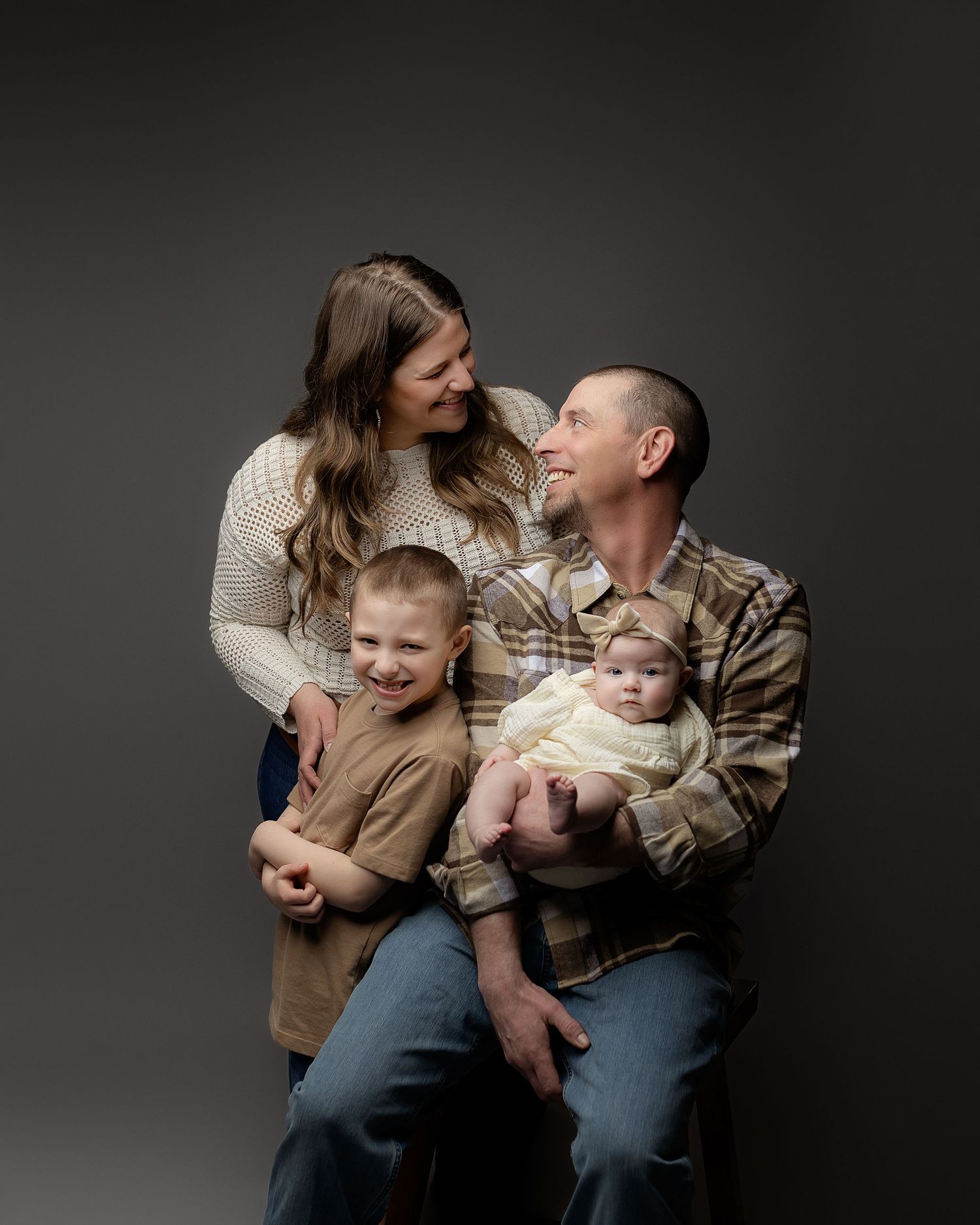
A curated family album often begins with a professional session whether it’s on the rocky coast, cozy heart of your home, or a special woodland location in Maine. Here’s why I excel at this:
- Local Expertise: I know the light, hidden paths, and natural backdrops unique to Maine—ideal for timeless family portraits.
- Comfort & Confidence: No stiff poses—just genuine moments. I help relaxed adults and curious children find comfort in front of the camera.
- Inclusion & Empathy: Every family member feels seen and celebrated. I understand that some shy, some shine—my job is to bring that spirit forward.
Album Integration: We discuss your album vision early—so you don’t just get digital files, you get a legacy heirloom.
Next Steps
Creating a family photo album is more than a craft, it’s an act of love. It’s about taking your most precious moments and turning them into a tangible, heartfelt story. With thoughtful planning, creative design, and a dash of personal touch, you’ll craft something that becomes more treasured with each passing year.
If you’re ready to begin—whether your memories are digital or printed, candid or posed. I’d love to help. At Gallagher Photography, I offer customized sessions and album design packages tailored to your family’s rhythm, style, and values.
Let’s chat: Reach out for a no-pressure, free consultation.
Let’s explore your vision: the styles you love, keepsakes you want to include, and how we can craft something magical together.
Here’s to capturing your beautiful story, one album page at a time.
Warmly,
Chelsea
Gallagher Photography — Maine Family Photographer